Temporary living with a good workspace and stable Wi-Fi: What matters for longstay
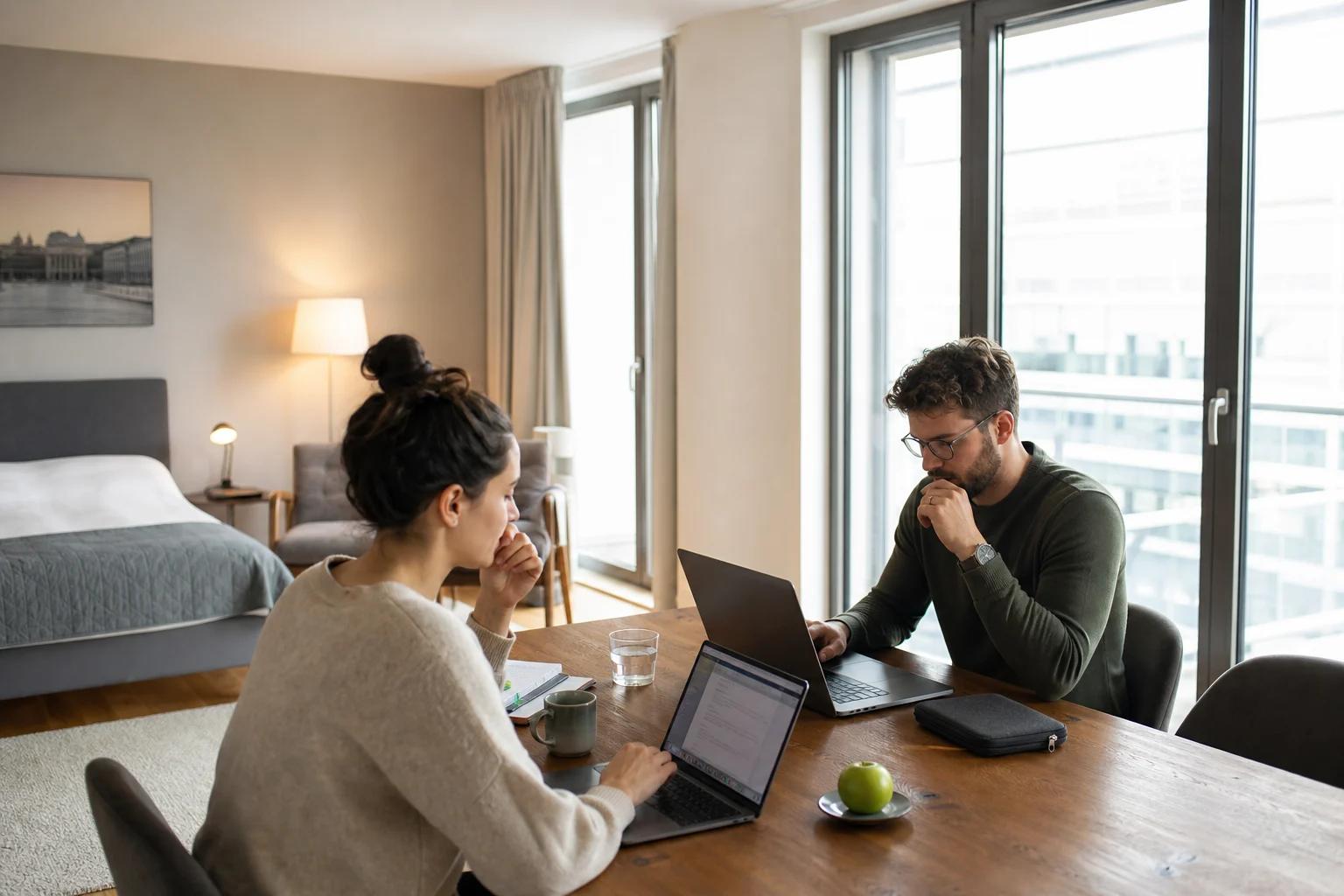
How do I know whether accommodation is suitable for working?
If you really need to be productive while living temporarily, a simple “with Wi-Fi” in the description is not enough. What matters is whether you can work in a focused way during your stay, join video calls, and get paperwork done without constant interruptions. That is exactly why it is worth taking a sober look at the equipment before booking.
So the most important question is not: “Is the accommodation nice?”, but rather: “Can I stay capable of working there for several hours a day?” To do that, you should assess the accommodation like a temporary workplace with a living function. The clearer your work requirements are, the faster you will recognize whether an offer really suits remote work, project work, or a longer transition period.
What equipment do I really need for productive work?

1. Stable Wi-Fi instead of just a network checkmark
For working over several weeks, not only the mere availability of Wi-Fi matters, but also its reliability in everyday use. So check whether the accommodation provides information about speed, stability, or possibly the type of connection. If you regularly have video conferences, send large files, or work in several tools at the same time, an unclear internet standard is a risk.
It helps to ask targeted questions before booking:
- Is the Wi-Fi in the accommodation designed for several devices at the same time?
- Are there any indications of dedicated connections or only a general building network?
- Is the work area close enough to the router or access point?
Especially with temporary living with a good workspace and stable Wi-Fi, the internet question is often more important than additional living accessories. A nice interior cannot replace a connection that drops during a call.
2. A real workspace with enough desk size, not just a surface
A workspace in the apartment only makes sense if you can place your laptop, mouse, notes, and possibly a second device next to each other. A desk that is too small often forces you to keep rearranging things and makes longer work unnecessarily tiring.
Pay attention to:
- a sufficiently wide desk surface
- a sitting position you can maintain for several hours
- enough distance between the screen and your seat
- space for work materials without everything ending up on the bed
If an offer only mentions a “desk,” it is worth taking a closer look at the photos or the room layout. Not every table is automatically a functional workspace.
3. Power outlets where you work
A work area is only truly usable if power is available where you need it. Too few outlets or badly placed outlets quickly lead to improvisation with extension cords or constant device swapping in everyday life.
So check:
- Are there power outlets directly at the desk or very nearby?
- Can a laptop, phone, and possibly a monitor be charged at the same time?
- Is the workspace easy to reach even with the door closed or at night?
Especially for longer stays, this has a bigger effect than many guests expect in advance. Small everyday details often decide whether a room is truly capable of supporting work.
4. Lighting for focused work during the day and in the evening
Good lighting is not a comfort detail, but a basic requirement for clean work. A dark room or a single ceiling light is often not enough for extended reading, writing, or screen work. A sensible workspace uses daylight or can at least be well lit in addition.
When booking, ask yourself:
- Is the workspace near a window?
- Is there a separate reading lamp or desk light?
- Does glare from windows or lamps appear on the desk?
Especially when looking for home office accommodation, lighting is often underestimated. Yet it directly affects how long you can stay focused.
5. Quiet and privacy for calls, focus, and confidentiality
If you speak regularly, discuss data, or work on confidential topics, you need an area where you will not be disturbed all the time. Privacy here does not only mean a lockable room, but also enough distance from communal areas, through traffic, and noisy neighbors.
Helpful questions in advance:
- Is there a separate area for working or only an open living setup?
- Can you make calls without disturbing others or being disturbed yourself?
- Is the accommodation designed more for living, for sleeping, or for both?
Anyone travelling as a consultant or project staff often needs not just a desk, but also a quiet setting for conversations and focused phases.
When is a serviced apartment more practical than a hotel room?
The decision depends on what your day actually looks like. A classic hotel room is often more geared toward short stays and sleeping. A serviced apartment can be more suitable for longer periods if you want to separate work and living areas more clearly in everyday life.
Three questions help with the assessment:
- Do I have enough space there to separate work and relaxation?
- Can I store my devices and work materials sensibly?
- Is the room set up so that I do not have to improvise anew every day?
If you are working remotely for longer periods, this spatial clarity can make the difference between “just staying somewhere overnight” and really being able to work. This is exactly where a longstay with Wi-Fi becomes relevant, because the stay is linked to everyday life and not just to the night.
How does myroom24 help me find suitable accommodation?
myroom24 is an online booking platform where commercial accommodation providers offer accommodation for private and business users. The range includes rooms, apartments, and houses in commercial accommodation facilities such as hotels, hostels, serviced apartments, and holiday apartments. For longstay stays, one important point is that the long-term stays offered via myroom24 cover 28 to 179 nights.
For your search, this means you can specify the destination and length of stay and filter available longstay accommodation by criteria such as price, location, and equipment. Especially when the workspace in the apartment or the Wi-Fi is decisive for your work, this narrowing down helps you sort offers more quickly by the truly relevant features. Accommodation marked as instant booking can be booked without prior approval from the host, subject to availability.
Practical checklist before booking

Before you book accommodation for temporary living, check these points one by one:
- Is stable Wi-Fi described in a clear way?
- Is there a table at which you can work for several hours?
- Are power outlets within reach of the workspace?
- Is the lighting suitable for screen work?
- Can you make phone calls or join video calls in peace?
- Is the room layout sensible for longer workdays?
If you answer several of these questions with “no” or “unclear,” the accommodation will probably require more compromises in everyday life than you want for longer stays. In that case, it is worth continuing your search in a targeted way and comparing the equipment features more closely.
What is the next sensible step?
If you are looking for accommodation for remote work, project work, or a medium-length stay, it is worth taking a targeted look at the work area, Wi-Fi, and quiet before booking. Start by searching for suitable myroom24 accommodations and then check the offers using the checklist from this article.
Frequently asked questions
Which three points should I check first if I need to work in accommodation?
First Wi-Fi, then the workspace, and finally quiet. If one of these three points does not fit, everyday life during the stay will quickly become exhausting.
How do I recognize that a “desk” is really enough for longer work?
A usable workspace needs enough surface area for a laptop and documents, a comfortable sitting position, and power outlets within reach. A small side table usually does not meet that need.
Why is privacy so important for longstay with home office?
Because during calls, confidential tasks, and focused work, you should not be disturbed all the time. A quiet, separate area makes the working day more predictable.
How can I find suitable longstay offers for remote work more quickly?
Use the filters for length of stay, location, and equipment, and then check the details for Wi-Fi, workspace, and room layout specifically.
What length of stay does myroom24 cover for long-term stays?
The long-term stays offered on myroom24 cover 28 to 179 nights.